
The Linux-From-Scratch Journey
This article outlines Swinux club member Zain’s journey building Linux From Scratch, reposted with permission. You can find his blog here.
Contents
Beginnings⌗
So, I was bored, and I was already compiling linux-tkg on my Arch Linux system, so I thought, why not try Gentoo? And then for some reason I ended up going with LFS (Linux From Scratch). help me
Anyways, what follows is the recap of my journey from nothing to a working system in TTY.
Preparation⌗
This was honestly quite straightforward, I gave LFS 30 gigs, and the rest of my system was already correctly partitoned so I didn’t need to do anything else.
Building the Toolchain⌗
I actually did this part 3 times. Firstly I tried doing it manually, but I kept failing, and then I tried it again cleanly, also failed to get it working. But see, I wanted to use musl over glibc, so I then dicovered mussel and it worked beautifully for cross compiling. Not only that but it also compiled libstdc++ and binutils, wow. I copied the toolchain into a /tools directory on my LFS partition and we were set to begin.
A quick heads up before the next section, I wanted uutils over coreutils and runit over systemd, so I deviated from the book quite a lot and as such took assistance from Gemini at multiple points, please don’t get mad at me.
Building the Temporary System⌗
Next was cross compiling some basic tools, it mostly went smooth except for some tools complaining about some features specific to glibc which I had to end up patching for musl to work. I also did spend a lot of time on the stage2 gcc and binutils but eventually got it working. And here we encounter our second battle, rust. Since I wanted uutils I needed rust. Luckily rust supports cross compiling so I just cross compiled the first pass of coreutils, the only issue I really had here was just tryna get rustc to collaborate with the cross compiled GCC but once that worked, we were set up to resolve compiler hell.
Compiler Hell⌗
The LFS book lists 70+ packages to install and installing all of them took a while. They mostly went smoothly minus a few hiccups with glibc assumptions but those were mostly patched out easily. The larger challenge was uutils. I tried compiling rust and clang but slowly gave up when I realised it wasn’t worth my sanity. I ended up using the pre compiled aarch64-unknown-linux-musl rust binaries and they compiled uutils properly. I also took the liberty of installing iwd, curl, and runit while I was at this stage. This whole section was the most time consuming part but we still have 2 more battles to come.
System Config⌗
This was honestly really straightforward cause all I had to do was just ignore the systemd parts from the book. I would be later on configuring runit, so yeah, smooth sailing here.
The Kernel⌗
I already had a .config file that I used when compiling linux-tkg on arch so I would’ve just used that, but Gemini suggested otherwise. So I copied the file over and used make localmodconfig to generate the proper config. I then compiled the kernel, wrote a little initramfs script with busybox of which at this point I managed to statically compile cryptsetup (that was a nightmare to statically link) and then gzipped the initramfs, and at the time copied the generated bzImage over to my arch host system and then used systemd-ukify to create a UKI. I tried booting aaaand nothing. It would just blackscreen. Turns out after a bit of debugging that I had to add initrd=/init to my CMDLINE. Fixed that aaand kernel panic.
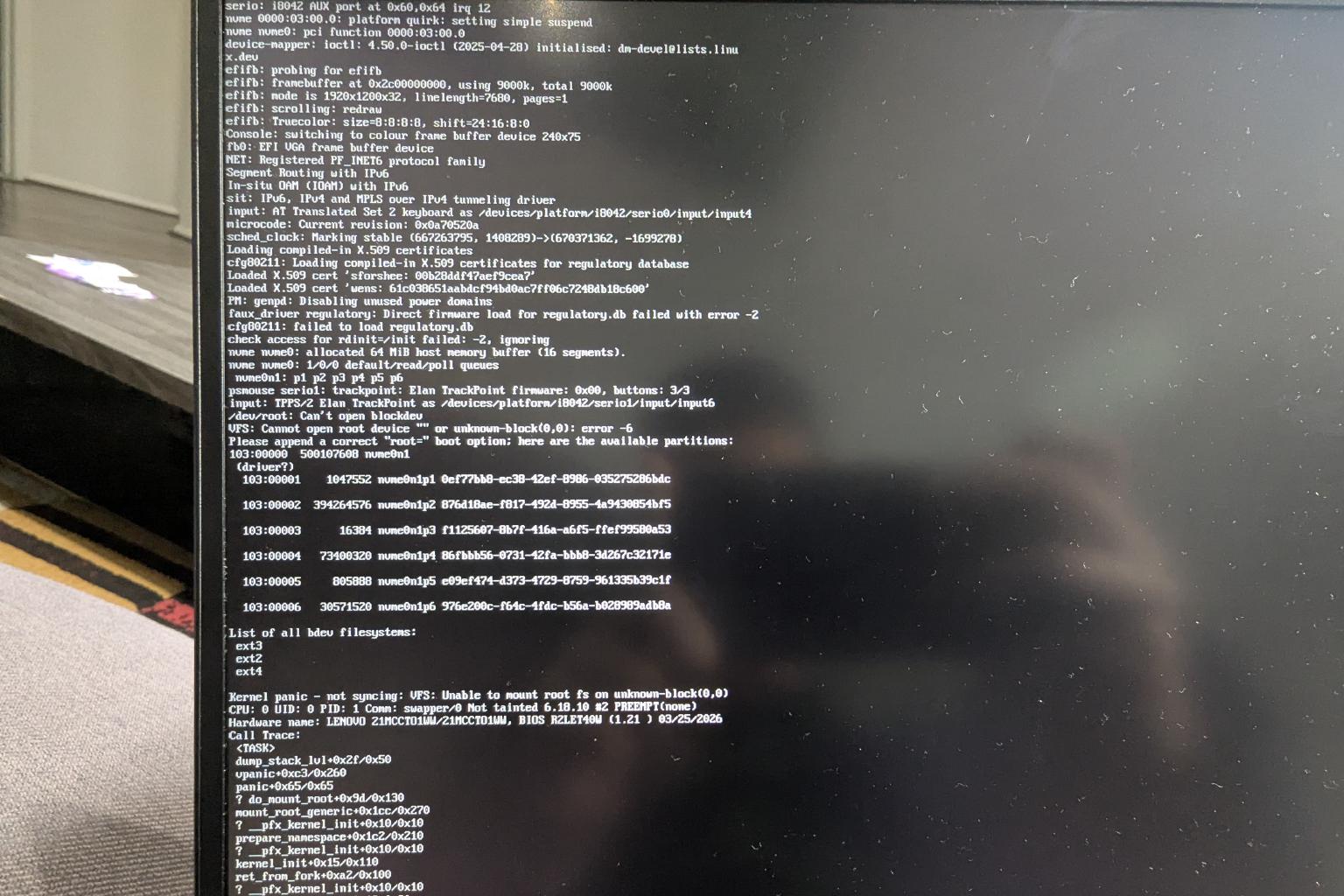
Guess what, I forgot to compile some drivers into my kernel and I believe I had some other issues with cryptsetup, a bit of debugging later and it would finally ask me for my LUKS password.
Enter battle, runit.
Runit⌗
So, I compiled runit and installed it, but now whenever I would enter my LUKS password my system would instantly shutdown. I had no idea why, I thought maybe cryptsetup is broken or maybe it’s my init script? I ended up recording a video and caught a frame of access denied for the 3 runit files.
I forgot to chmod +x them.
After that we then had issues with me incorrectly setting up my runit directory structure for each runit service. I made each script the name of service instead of making the service name a directory and putting a file in it called run. After fixing that, I had iwd issues to deal with. I was missing a bunch of config options from my kernel and some of them were driving me crazy.
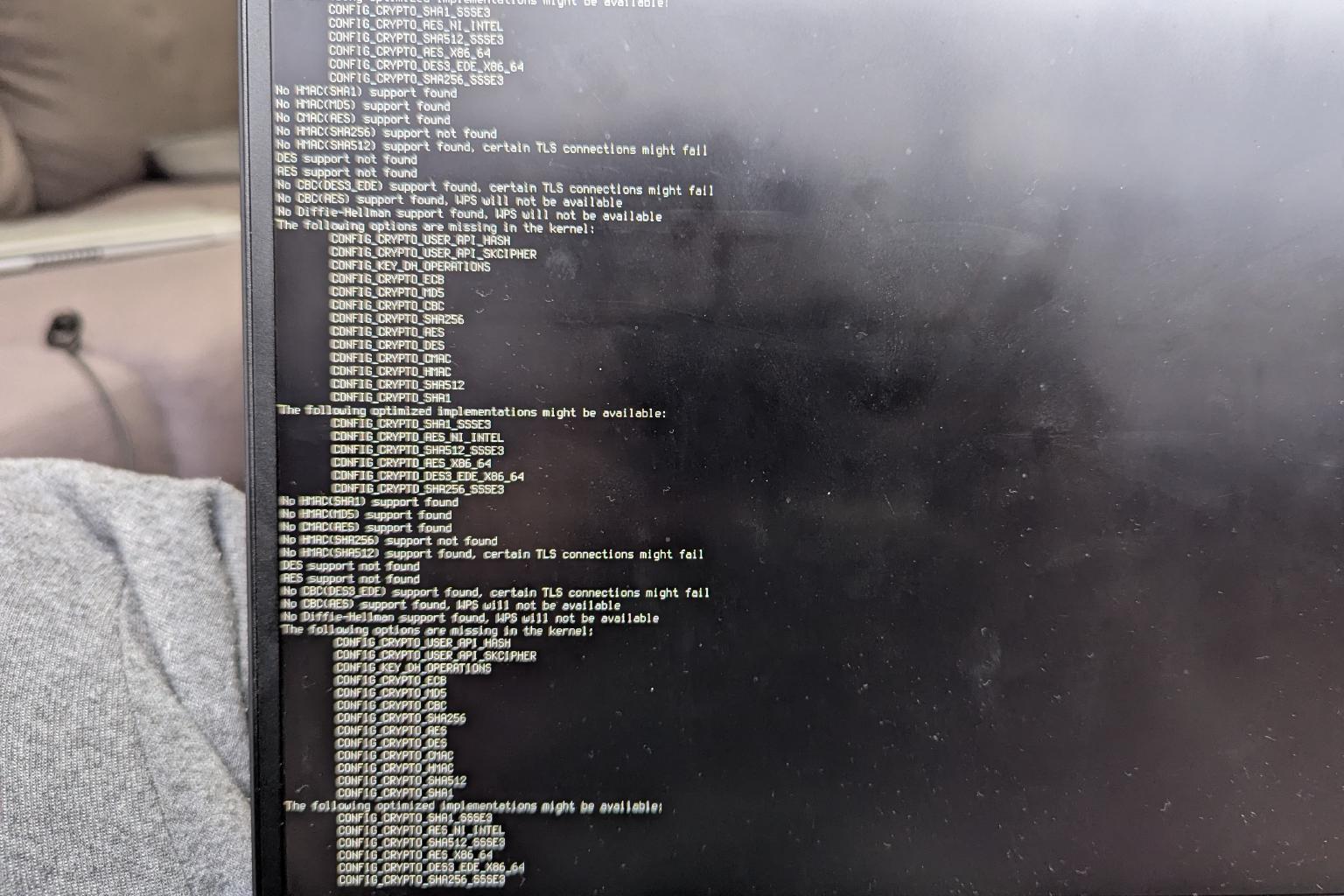
I couldn’t find them, but after about 5 kernel recompiles iwd finally stopped blocking me and we got to a bash prompt. Yay!
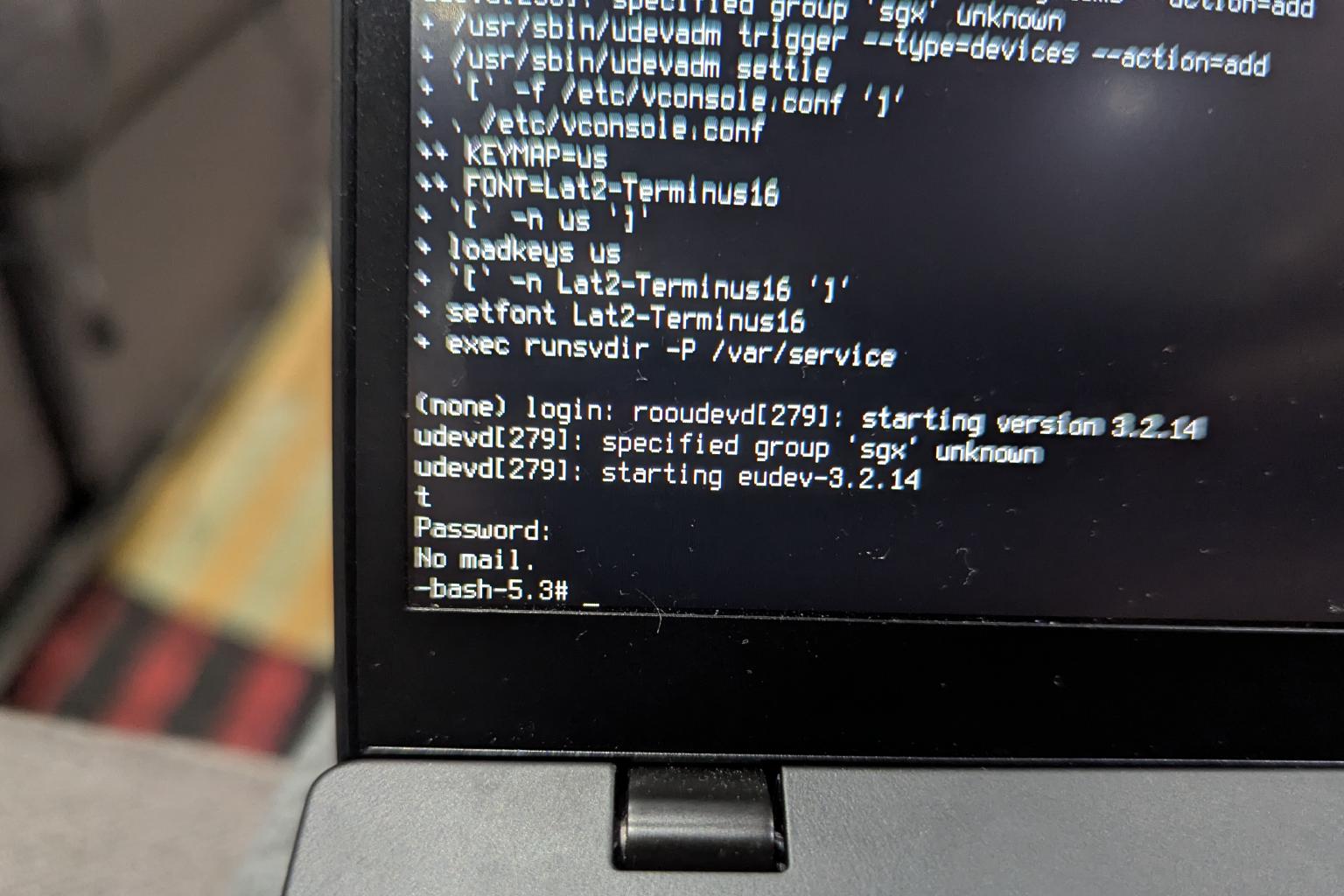
This post has been going on so long, so I’ll end it here and save the WiFi/libreadline battles for part 2. Hope you enjoyed my self-inflicted suffering. See you when I have internet and iwd working!
This post is redistributed from zain-khan.dev with permission from the author. You can find Part 2 once live here.